

OMO Master
Advisors nurture regulars on LINE, online sales count
Service continues after customers leave the store, and regulars stay when advisors move on
The advisor a customer meets in store is still there on your brand's LINE Official Account once they get home. Advisors know each customer's tastes and can help any time, and head office sees what every store and advisor delivers.
Help your front line know customers better
-
Know customers before you greet them
See at a glance what a customer has been interested in lately, recommend the right products and close more easily.
-
A dedicated advisor for every regular
Each customer has a regular advisor who can see past conversations, so service picks up where it left off and trust builds over time.
-
Results you can see
Store managers see the whole store, advisors see their own results, and you know what every marketing dollar brings in.
Six features that help stores build loyal regulars
Designed for frontline staff, quick to learn and useful every day
-
Find customers, see interests
Find a customer fast and see what they're into lately
-
Broadcast messages
New arrivals and campaigns, sent to the right people
-
Performance reports
Store and individual sales, by role
-
Product catalog
Pick from your product range and recommend in a tap
-
My customers
Customers link to advisors, and the list belongs to the brand
-
Customer conversations
One-on-one messages in one place, so no reply is missed

Customers, chats and products together
Advisors don't have to switch between systems. Customer interests, past conversations and products to recommend are all on one screen, so greeting and replying are faster.
-
See what is in their online cart
-
Interests sorted automatically
-
Online and store sales counted together
Three simple steps to connect customers and advisors
A few taps and no forms for customers to link with their advisor
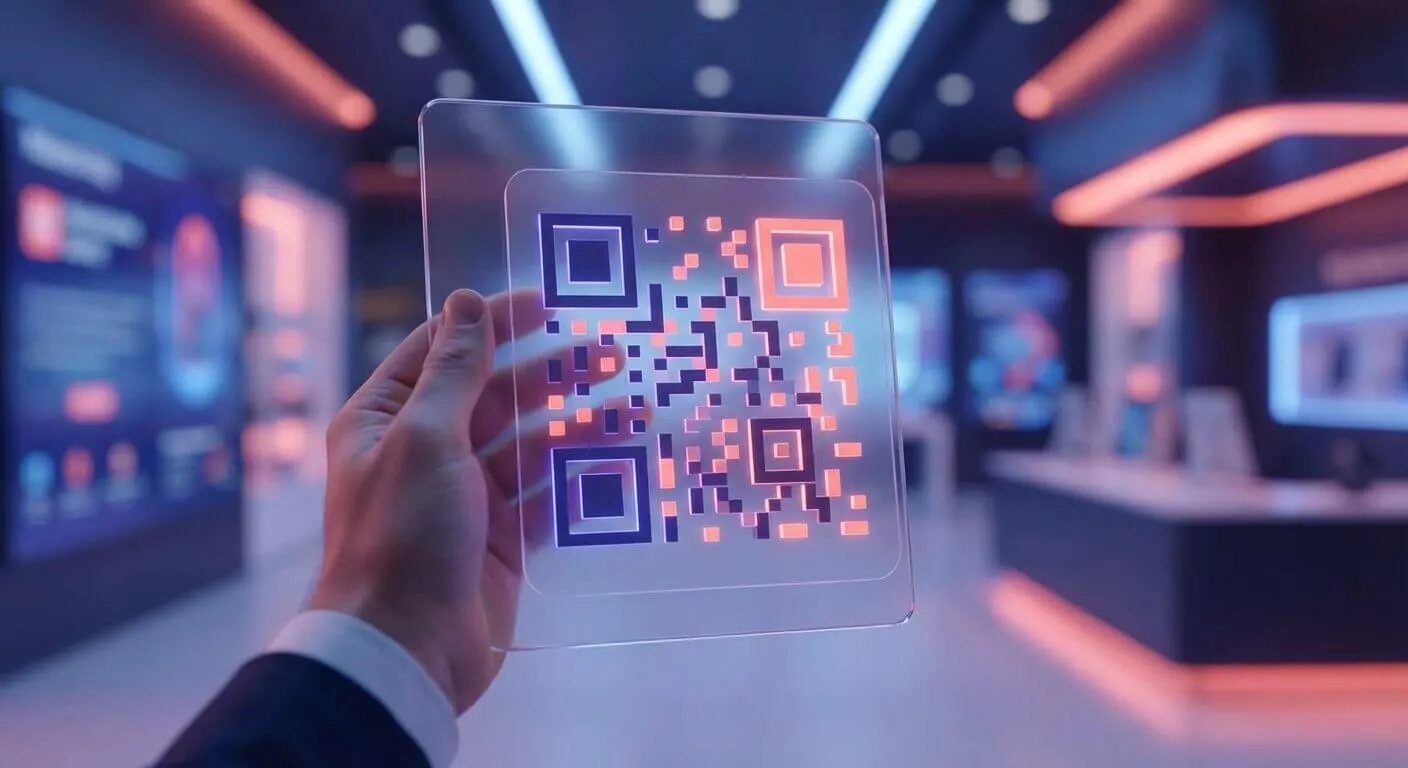
01. Scan a personal QR code
The advisor shows their personal QR code or tells the customer a keyword
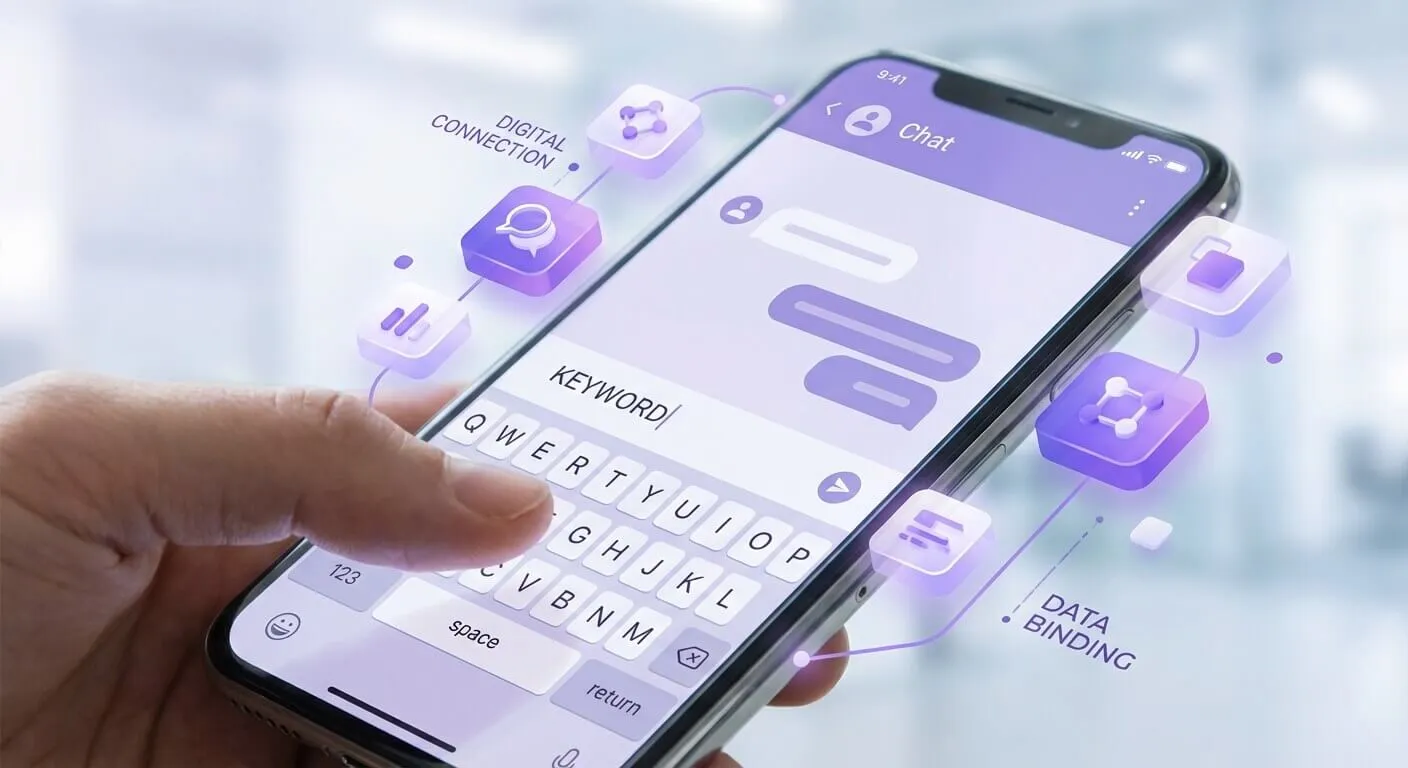
02. Enter the keyword or tap the link
The customer enters the keyword or taps a link in the LINE Official Account, and the advisor's card appears

03. Confirm and start chatting
Tap "Link with me" and the account shows the advisor's photo and name, ready for one-on-one service
A day in the life of a store advisor
How OMO fits into everyday store work
No new system to learn. Advisors do it all on a phone or tablet.
Check reminders before opening
The system lists regulars with birthdays today, those due to repurchase and recent visitors.
Customer walks in
Check the customer's tastes and recent interests, so you know what to talk about before you greet them.
Recommend and close
Pick products from the catalog and send them to the customer in a one-on-one message.
Keep serving after they leave
When the customer replies on LINE, the advisor picks it up, and online sales are credited to the advisor too.
Store managers and headquarters
Managers see the results
-
Store and individual sales
View sales and customers served for each store and advisor, by role.
-
Consistent campaign messages
Headquarters prepares new product and campaign content, and advisors share it with their customers in one click.
-
Customers stay with the brand
When advisors change roles or leave, customer relationships and chat history stay with the brand.

Where people make the sale
Retail, beauty, fitness or education: wherever sales depend on the relationship between advisor and customer, OMO carries that relationship beyond the store.
-
Beauty and skincare
New product trial invitations, skin condition follow-ups, anniversary sale pre-order alerts
-
Fitness / yoga
Class renewal reminders, one-on-one diet advice from trainers, make-up classes for missed sessions
-
Luxury / apparel
Holds on new arrivals, personal styling advice, VIP private shopping events
-
Education and tutoring
Student progress reports, course consultations, re-enrollment offers

Know the moment regulars arrive
Customers get a LINE message as they pass your store and advisors are alerted at the same time, so less manual work and more sales
Since adopting the CDP platform, annual revenue has grown 31.1% and average order value 17.7%!
Filtering audiences by tag has made our marketers far more efficient.
Much of the work we used to do by hand now runs automatically through scenario settings.
Leading companies use our CDP solution













More CDP modules
-
Customer Data Platform
Unified member data
-
AI Insights
Why did results change? AI tells you first
-
Audiences and Tags
Build an audience and put it to work right away
-
Marketing Journeys and Automation
Set it up once, and the system runs it for you every day
-
Multichannel Messaging and Results
Every message, tracked to revenue
-
OMO × Simple Beacon
Advisors alerted when regulars arrive
Buying and implementation
Choose how to deploy, to fit your security rules and budget
Most products come in all three options, each with implementation services; we confirm what applies to your product in the first meeting.
-
SaaS subscription
No servers to run. Subscribe for the period you need; we handle updates and operations.
-
On-premises subscription
Installed in your own data centre or private cloud, so data stays inside. Licensed by subscription.
-
On-premises perpetual
Buy the licence once and run it in your own environment, for teams planning long-term use.
Implementation
From the first meeting to support after go-live
Implementation takes from one month to eighteen months, depending on your needs and starting point. After the first meeting we propose a scope and timeline for your systems and data.
- 01
30-min online intro
We learn your goals and situation, show the product itself and answer what matters most to you.
- 02
Assess and plan
We review the systems and data to connect, and propose scope, deployment and timeline.
- 03
Implementation
Installation, system integration, data cleansing and analysis, all by the same team.
- 04
Go-live and training
Training by role, so everyone knows how to use it before launch.
- 05
Ongoing support
Paid support after go-live, working with your team to adopt the system and keep improving.
A certified implementation team
Sitecore Gold Partner, Adobe Bronze Solution Partner, and certified partner of Microsoft, Progress and LINE (2026); certified to ISO/IEC 27001 for information security management.





Do store advisors have to learn a new system?
No. Advisors check customer interests, send one-to-one messages and recommend products on a phone or tablet.
Do customers leave with an advisor who quits?
No. Customer relationships and chat history stay with the brand, not with the advisor.
How are online sales credited?
When a customer replies on LINE and buys after an advisor takes over, the sale is credited to that advisor; managers see store and advisor results by role.
How do customers link to an advisor?
In three steps: scan the advisor’s QR code or enter a keyword, tap to link, and confirm to start a one-to-one chat.
Let store advisors nurture regulars online too
Tell us about your store network and service process, and a consultant will recommend how to roll out OMO.
See how OMO keeps your regulars coming back
Leave your contact details and one of our consultants will get back to you shortly.
- Phone: +886-2-2515-5633
- Fax: +886-2-2515-6535
- Email: sales@esi-tech.net