Adobe Experience Cloud
Adobe Experience Cloud: one brand on every channel
ESi is an Adobe Bronze Solution Partner, from planning and implementation to ongoing improvement
Customers visit your site today, open an email tomorrow and use your app next, yet your messages often don't line up. Adobe Experience Cloud helps marketers recognize the same customer and continue the conversation on every channel. ESi works with you from planning to better results.
What is AEC
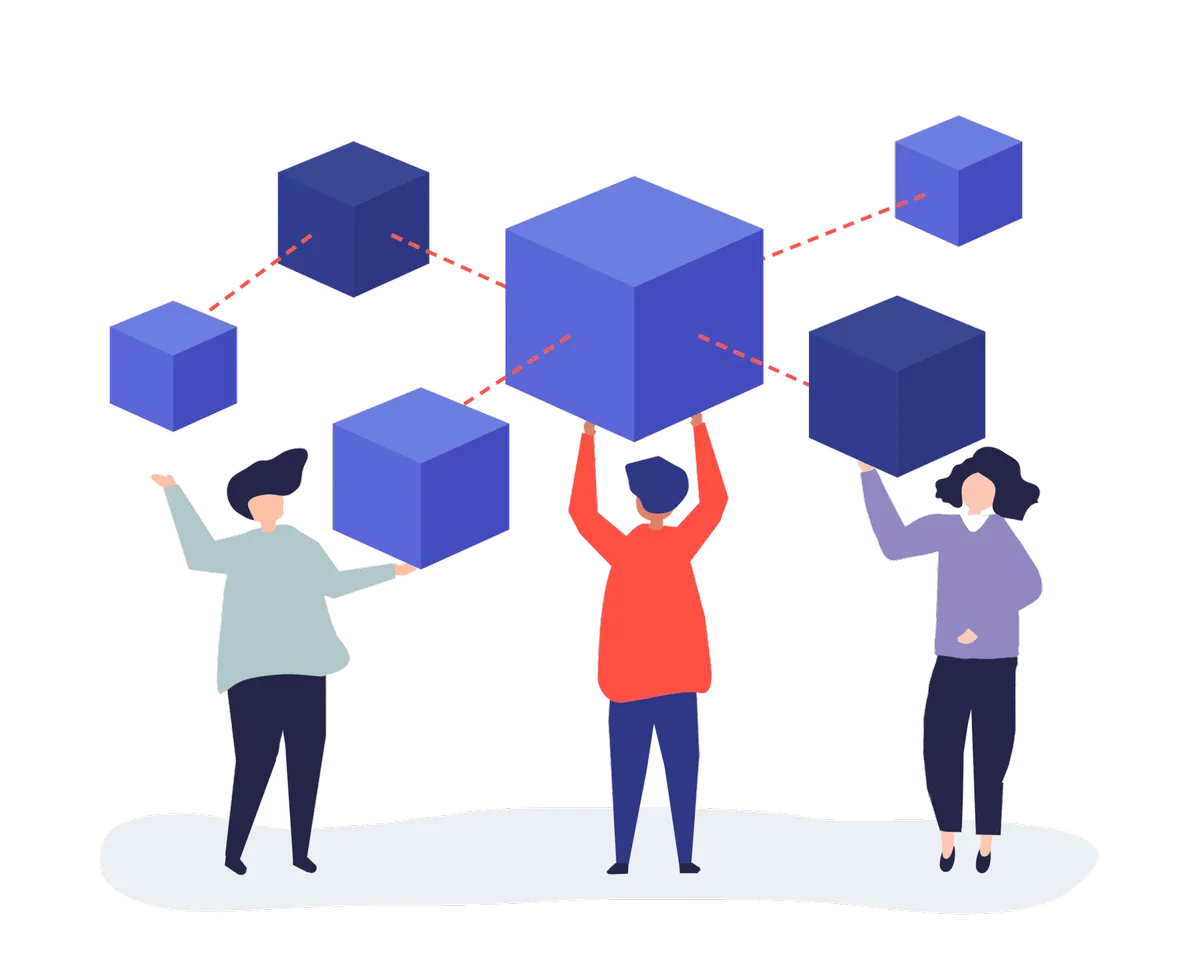
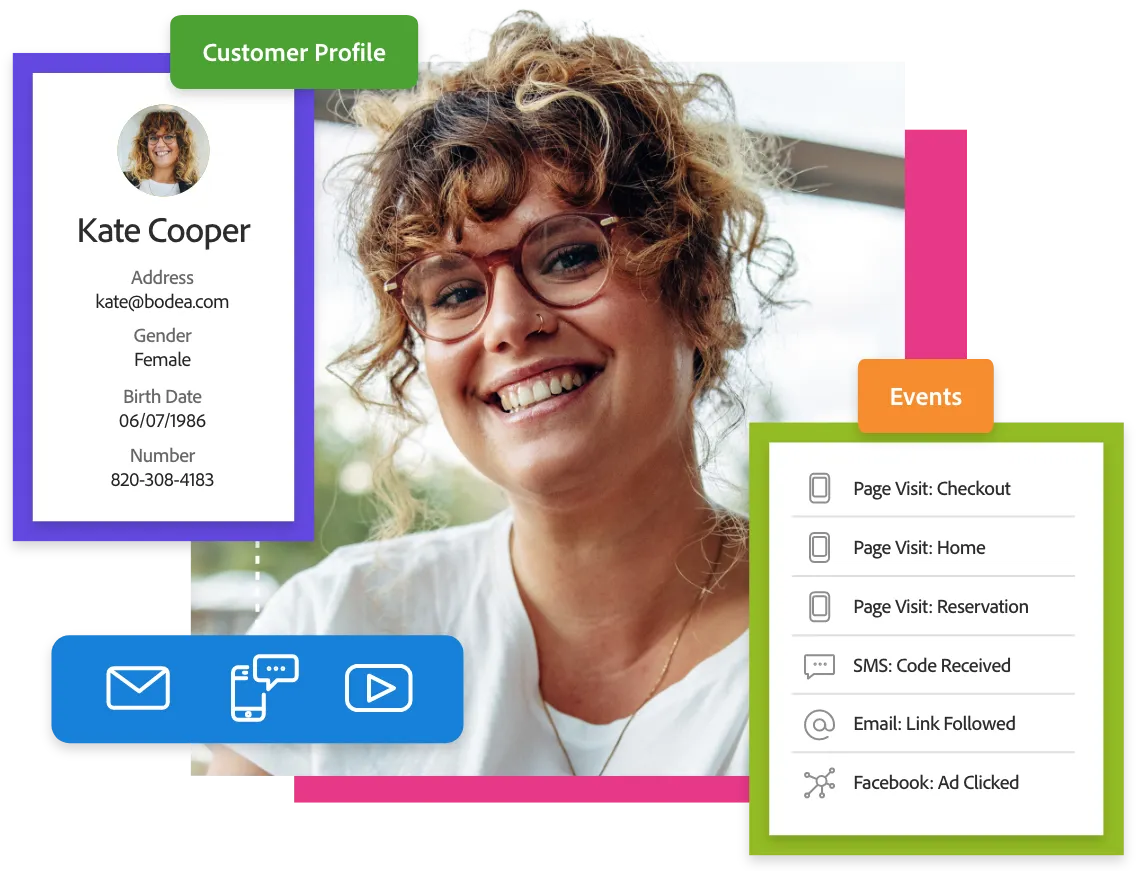
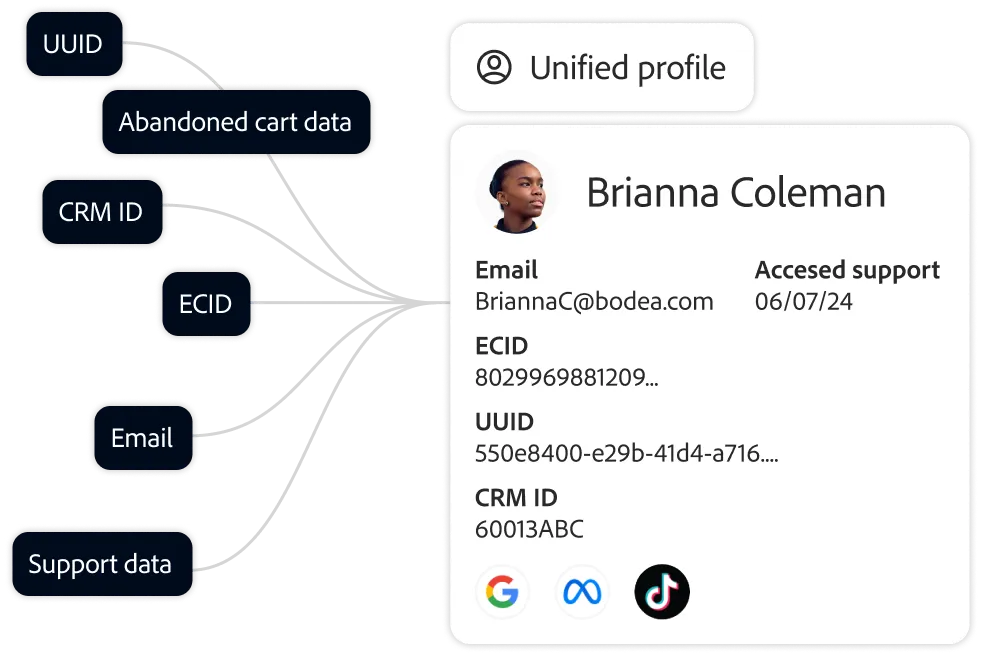
Scattered footprints, one customer
Customers move between your website, app, emails and ads, but their data sits in different departments and systems, so marketers struggle to see that it's the same person. Adobe Experience Cloud brings those footprints together, so you can prepare content, understand results, send campaigns and run ads in one place.
You don't have to adopt everything at once: start with your most pressing need and add other solutions over time, while your team keeps working the same way.
Industries
Used across industries to manage customer experience

Airlines and travel

Retail

Media and entertainment
High tech

Financial services
Telecommunications
Adobe Experience Manager
A website your marketing team can run
-
Manage once, update every channel
Rated by Gartner as a leading digital experience platform. Prepare content for web, app and in-store screens in one place, with one consistent brand message.
-
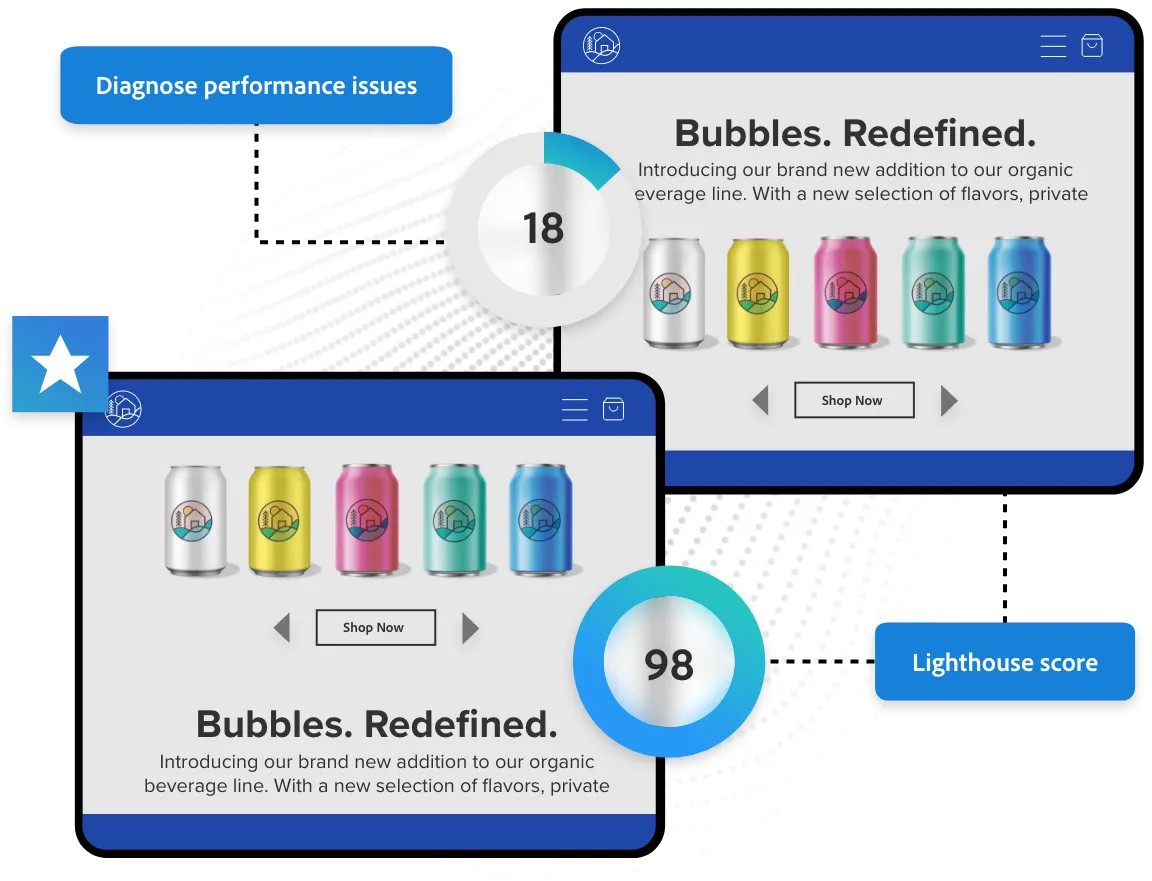
Fast pages keep customers around
Redesigned sites load faster, so visitors see what you want to tell them without waiting.
-
Campaign pages, no engineering queue
Marketers build and publish pages themselves from ready-made layouts, so campaigns go live when you need them.
Adobe Analytics
Understand customers, not just traffic
-
See data from the customer's side
Know not just how many people came, but what they need and what they are looking for.
-
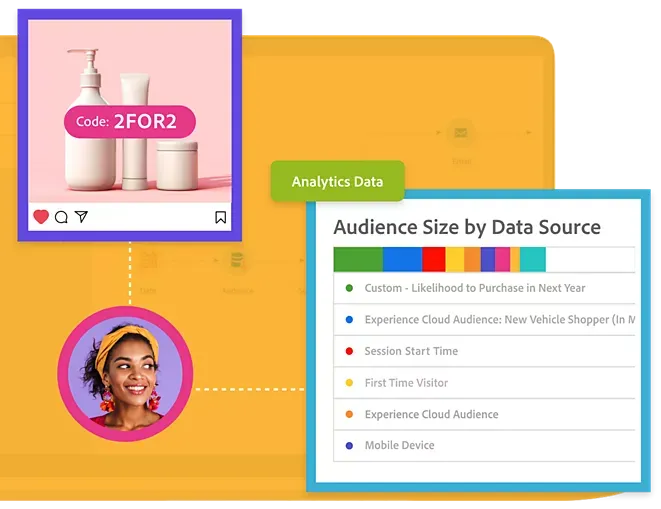
Find the segments worth investing in
Group customers by source and behavior, compare each group's size and results, and put your budget where returns are higher.
-
Let data drive decisions
Put analysis to work in campaigns and business decisions instead of leaving it in reports.
More solutions
Ads and audiences on the same platform
-
Audience Manager
Turn visitor data into clear audience groups, find your high-value segments and use them directly in ads and other digital channels, so your ads reach the right people.
-
Advertising
Plan and optimize search, display, social and TV advertising in one place, and see spending and results for every channel at a glance.
Adobe Target
Content made for every visitor
-
Test instead of guess
Run different versions of a web page or app screen side by side and let the data show which one brings more conversions.
-
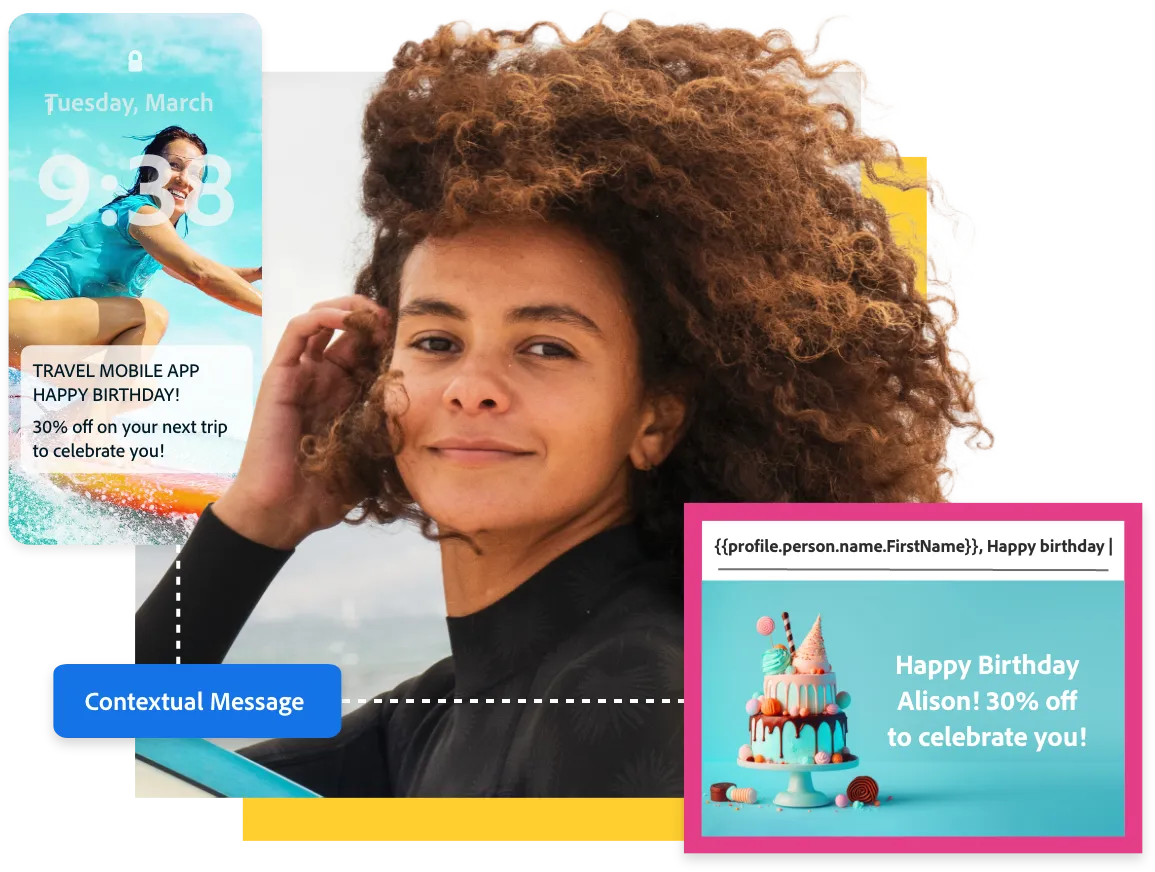
The right offer for the right person
Automatically show content and offers that match each type of customer, such as an exclusive discount on their birthday.

Adobe Campaign
Campaigns that follow up automatically
-
Lists, content and delivery in one go
Combine customer data with campaign content and send email, text messages and app push notifications automatically, with less repetitive manual work.
-
Respond to what customers do next
When a customer opens an email or clicks a link, the next message goes out automatically, lifting response and sales.
Adobe × Microsoft
Connected to the systems you use
Great customer experiences come from every department working from the same customer data. Adobe integrates deeply with Microsoft and other enterprise systems, so marketing, sales and service see consistent information without manual exports and imports.
Other digital experience platforms
-
AIM Sites
AI-native web content

Sitefinity
All-in-one website platform

Sitecore
Personalized websites

SharePoint
Your company's hub for knowledge, documents and teamwork
- FoundedStarted with enterprise applications, now focused on MarTech
- 2006
- ConsultantsCDP, SharePoint, Dynamics 365, Sitecore, Adobe and more
- 170+
- Clients to dateServed across all of our solutions
- 200+
- Vendor partnersMicrosoft, Sitecore, Adobe, LINE, Google, Optimizely
- 6
Implementation
From the first meeting to support after go-live
Implementation takes from one month to eighteen months, depending on your needs and starting point. After the first meeting we propose a scope and timeline for your systems and data.
- 01
30-min online intro
We learn your goals and situation, show the product itself and answer what matters most to you.
- 02
Assess and plan
We review the systems and data to connect, and propose scope, deployment and timeline.
- 03
Implementation
Installation, system integration, data cleansing and analysis, all by the same team.
- 04
Go-live and training
Training by role, so everyone knows how to use it before launch.
- 05
Ongoing support
Paid support after go-live, working with your team to adopt the system and keep improving.
A certified implementation team
Sitecore Gold Partner, Adobe Bronze Solution Partner, and certified partner of Microsoft, Progress and LINE (2026); certified to ISO/IEC 27001 for information security management.




Before you adopt Adobe
Anything else? In the 30-minute online intro a consultant answers for your own setup.
Do we have to adopt every solution at once?
No. Each Adobe solution can be adopted on its own or combined with others, and we recommend where to start based on your marketing goals.
Can it work with the systems we already use?
Yes. Adobe integrates deeply with enterprise systems such as Microsoft, and we connect your website, CRM and existing systems during implementation.
How do Adobe licences relate to ESi’s services?
ESi provides planning, implementation, integration and ongoing support after go-live; Adobe licensing depends on Adobe’s products and terms, and we go through it for your needs in the first meeting.
How long does implementation take?
From one month to eighteen months, depending on the solutions and the systems to connect; after the first meeting we propose a scope and timeline.
Which Adobe solution should you start with?
Tell us the marketing problem you want to solve and the systems you have. Our consultants will recommend the order and scope of implementation.
Leave your details and we'll be in touch soon
Leave your contact details and one of our consultants will get back to you shortly.
- Phone: +886-2-2515-5633
- Fax: +886-2-2515-6535
- Email: sales@esi-tech.net